Ultimate Mech Design Guide by Marc Brunet
Marc Brunet's Mech Design Guide is a downloadable video course on designing mechs and robots in 2D and with a 3D blockout. 10 lessons, 4h 30m+, bonus gradient maps; $45 one-time on Cubebrush.
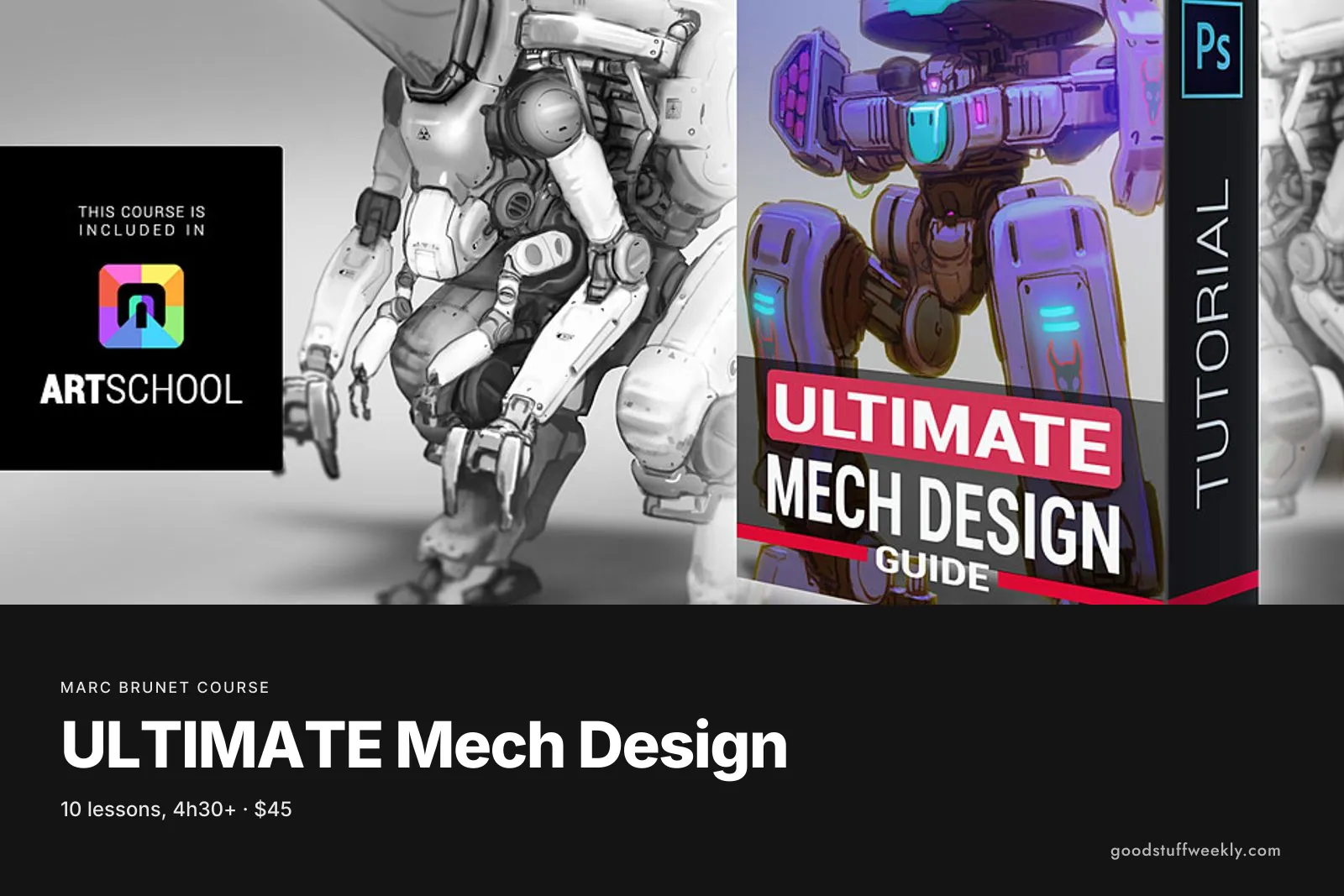
Marc Brunet Mech Design Guide is a self-paced video course on designing mechs and robots for games, film and illustration. Marc Brunet takes two designs from first idea to a completed concept, using two different techniques: one drawn in 2D and one started from a 3D blockout. The course has 10 lessons and more than 4 hours 30 minutes of video, with bonus gradient maps. It is marked as a beginner course that suits artists of any level, and costs $45 as a one-time download on Cubebrush.
Mechs are a demanding subject: they need to look as if they could move and work, while still being readable and appealing. This guide comes from the Mech Design class in Term 6 of ART School, Marc's ten-term programme, where it sits alongside colour and light theory and a class on composition and storytelling. Buying it on its own lets you focus on hard-surface design without taking the whole programme.
What You Will Learn
The course teaches a full design process rather than a single drawing technique. Following the official chapter list, it covers:
- What a mech is, and what the subject asks of a designer
- The design toolbox Marc uses to generate ideas
- Brainstorming and exploring many options before committing
- Blocking out a design and then completing it in 2D
- Adding storytelling to a design so it fits a world
- Colouring a finished mech, with the bonus gradient maps
- Using a 3D blockout as the starting point for a second design
Who Is Marc Brunet Mech Design For?
It suits illustrators and aspiring concept artists who want to design robots and mechs for games, film or illustration. The official page marks it as a beginner course while saying it works for any level, so you can take it early in your learning or use it to refine an existing process.
It is a good choice if you already design characters and want to add hard-surface work to your portfolio. If you have never used any 3D software, the 3D blockout lesson may need some extra effort, though the first design is done entirely in 2D. It is not a 3D modelling course; the 3D step serves the drawing.
Course Structure
The course is organised into ten lessons that follow two designs from start to finish:
- Lesson 1, Overview: what the course covers and how it is organised
- Lesson 2, Mech?: defining the subject
- Lesson 3, Design Toolbox: the tools used to generate ideas
- Lesson 4, Brainstorming: exploring options
- Lesson 5, Blockout: setting up the first design
- Lesson 6, Completing Design no. 1: refining it in 2D
- Lesson 7, Storytelling: giving the design a role and a world
- Lesson 8, Colouring Design no. 1: finishing the first mech in colour
- Lesson 9, 3D Blockout: starting the second design in 3D
- Lesson 10, Completing Design no. 2: taking the second design to a finished concept
The total runtime is over 4 hours 30 minutes. The download comes as 11 files, about 5.6 GB in all.
Price and Access
Marc Brunet Mech Design Guide costs $45, paid once on Cubebrush, with an instant download of the videos and the bonus gradient maps.
The pack is packaged from ART School, so it is already included if you own the complete ART School pack. Marc says that if you buy this guide and later upgrade to the full ten-term ART School, he will refund it; you ask by private message on Cubebrush. The full programme also includes private weekly streams.
About the Instructor
Marc Brunet has more than 20 years in the art and games industry, including senior roles at Blizzard Entertainment. He founded Cubebrush and has worked for Wacom, Clip Studio Paint and ImagineFX, before leaving his industry job to build ART School.
Things to Consider
- Time: there is over four and a half hours of video, and designing two mechs of your own will take many more.
- Tools: you need a drawing tablet and painting software; ART School suggests Photoshop, Clip Studio, Krita, Procreate or similar. To follow the 3D blockout yourself you will need some 3D software; the page does not name one.
- Disk space: the 5.6 GB download is worth planning for on a smaller laptop.
- Feedback: the guide is recorded video only, without personal critique.
- Related packs: Prop Design Class and the Character Design guide cover neighbouring design skills.
- Upgrade path: if you are considering the full ART School, keep the refund offer in mind.
Start the Course
Interested in learning with Marc Brunet?
Start Ultimate Mech Design Guide
For the full syllabus and pricing, visit the official Marc Brunet website.
Looking for more ways to learn? Browse all courses and learning resources on Good Stuff Weekly.
Last verified: November 12, 2026
Last updated