Matte Painting 101 by Marc Brunet
Matte Painting 101 is a downloadable video course by Marc Brunet on painting for film and realistic games by combining photos with digital painting. 5 lessons, 4h 16m; $45 one-time on Cubebrush.

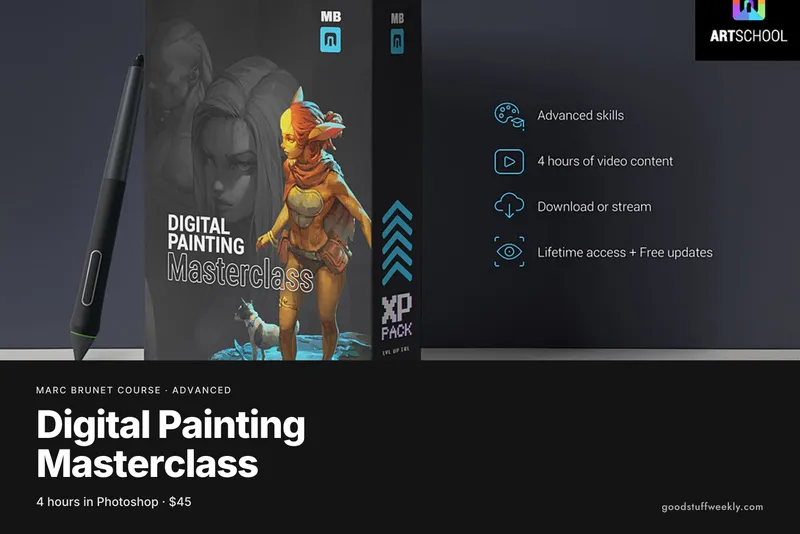
Marc Brunet Matte Painting 101 is a self-paced video course on creating matte paintings, the realistic backdrops used in films and in realistic video games. Marc Brunet teaches the technique by combining photographic material with digital painting. The pack contains five video lessons with a total runtime of 4 hours 16 minutes, sold as an instant download on Cubebrush. It is labelled as an advanced course and costs $45 as a one-time purchase, with lifetime access to stream or download the files.
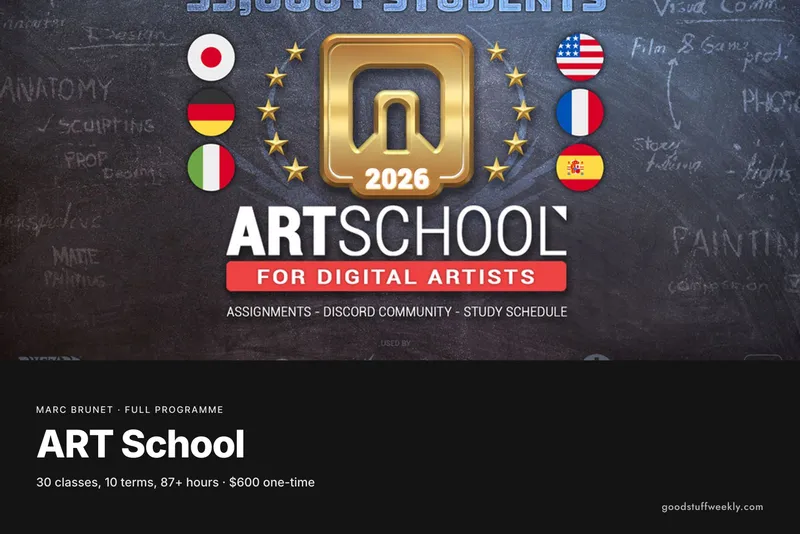
The course is packaged from the Matte Painting class in ART School, Marc's larger ten-term programme, where it sits in Term 9 alongside an introduction to graphic design and a personal project. That placement says a lot: it comes late in the curriculum, after drawing, perspective, anatomy, colour and light, and composition have been covered. Buying it on its own is a way to try one specialised part of the programme without committing to the whole thing.
What You Will Learn
The course focuses on one discipline: building convincing, realistic images for screen. According to the official page, it covers:
- What matte painting is and where it is used, in film and in realistic video games
- How to combine photographic material with digital painting in a single image
- Painting with realism as the goal, rather than a stylised illustration look
- How this kind of work fits into film and game production
- Long demonstrations, with two lessons running well over an hour each
The product page does not publish a reliable chapter list, so the best guide to the content is the class description in ART School: creating art for film using a mix of photo material and digital painting.
Who Is Marc Brunet Matte Painting 101 For?
It suits digital painters who already have the fundamentals and want to move towards film or realistic game environments. Concept artists who mostly paint from imagination may find it useful for learning how to bring photographs into their work for speed and realism.
It is not a beginner course. Marc labels it as advanced, and it assumes you already understand perspective, light and composition. If you are still learning to draw, his ART School programme or one of his beginner packs is a better place to start, and you can come back to matte painting later.
Course Structure
The course is delivered as five video files rather than many short clips. The lengths are:
- Lesson 1: 15 minutes 49 seconds
- Lesson 2: 77 minutes 47 seconds
- Lesson 3: 37 minutes 31 seconds
- Lesson 4: 41 minutes 9 seconds
- Lesson 5: 83 minutes 46 seconds
Together they add up to 4 hours 16 minutes. Two of the lessons run for well over an hour each, so expect long working sessions rather than quick tips. The files are MP4 videos you can download and keep, or stream.
Price and Access
Marc Brunet Matte Painting 101 costs $45, paid once on Cubebrush, with an instant download and lifetime access to stream or download the videos. It can also be sent to someone else as a gift.
Because the pack comes from ART School, it is already included if you own the complete ART School pack. Marc also says that if you buy this pack and later upgrade to the full ten-term ART School, he will refund the pack; you ask him by private message on Cubebrush. The full programme also includes private weekly streams, which this stand-alone pack does not.
About the Instructor
Marc Brunet has more than 20 years in the art and games industry, including senior roles at Blizzard Entertainment. He founded Cubebrush and has worked for Wacom, Clip Studio Paint and ImagineFX, before leaving his industry job to build ART School.
Things to Consider
- Level: this is labelled advanced, so make sure your perspective, values and colour are solid first.
- Time: the videos run for over four hours, and painting along will take considerably longer.
- Tools: you will need a drawing tablet and painting software; Marc's ART School uses Photoshop, Clip Studio, Krita, Procreate or similar.
- Reference: have a collection of your own photographs or properly licensed images ready to work with.
- Feedback: the pack is recorded video only, with no personal critique included.
- Upgrade path: if you might take the full ART School later, keep the refund offer in mind.
Start the Course
Interested in learning with Marc Brunet?
Start Matte Painting 101
For the full syllabus and pricing, visit the official Marc Brunet website.
Looking for more ways to learn? Browse all courses and learning resources on Good Stuff Weekly.
Last verified: November 12, 2026
Last updated